> ## Documentation Index
> Fetch the complete documentation index at: https://docs.gettap.co/llms.txt
> Use this file to discover all available pages before exploring further.
# GDPR sensitivity mode
> A company-wide switch for stricter handling of captured personal data.
GDPR sensitivity mode is a company-level setting for teams operating under GDPR or similar privacy regimes. It turns on stricter handling of the personal data your team captures.
Turn it on under **Settings**. It applies to the whole company — it is not a per-member or per-department choice.
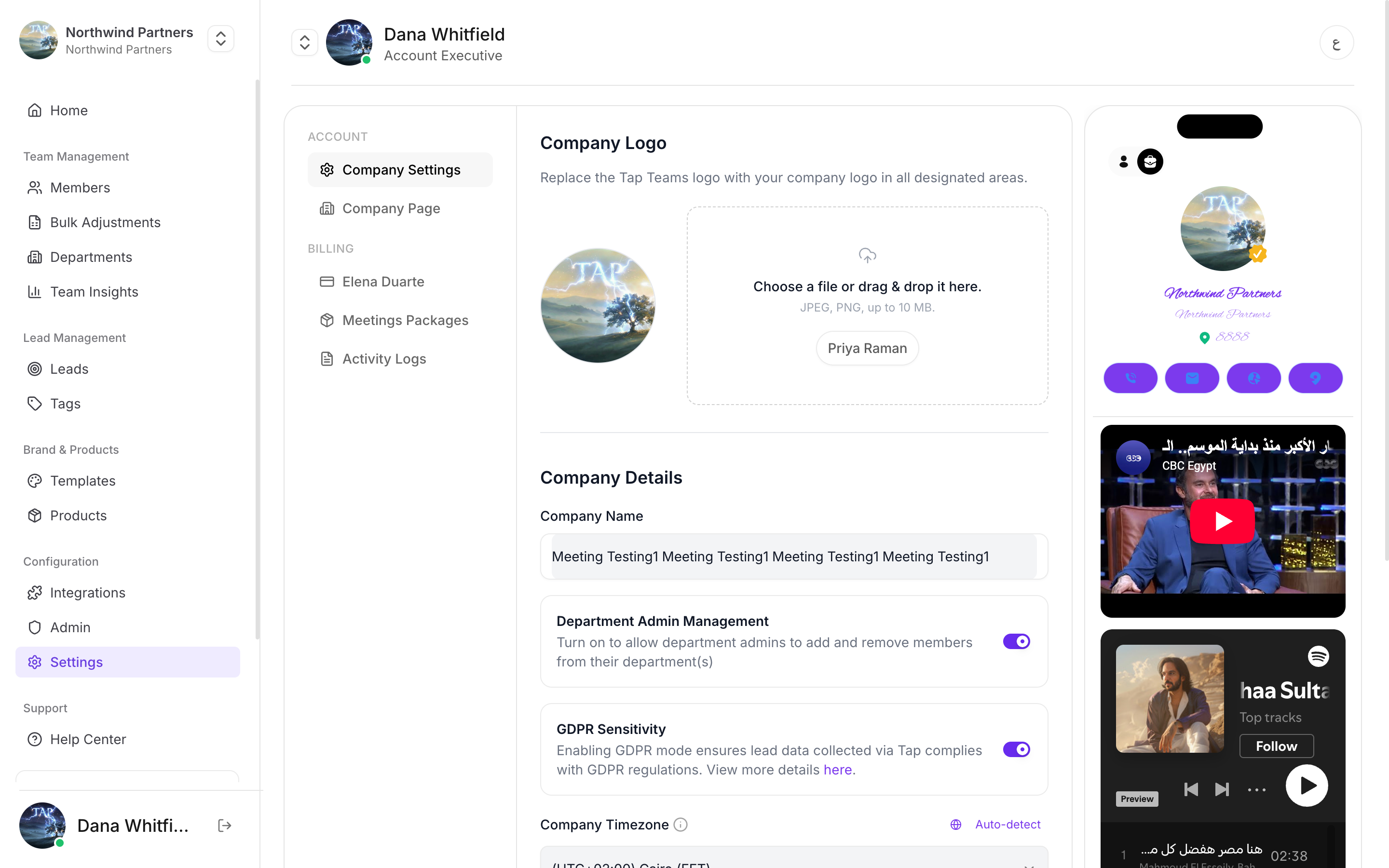
This is one switch inside a much larger obligation. Enabling it does not make your organisation compliant, and no software setting can. It supports your process; it doesn't replace it.
## Where your obligations actually sit
Whatever the setting does, these remain yours to handle:
You need a lawful basis for collecting each field. "It was useful" isn't one — and every extra field on your capture form is another thing to justify.
People must know who is collecting their data and why, at the point they give it.
Recording a conversation is separate from capturing contact details, and in many places needs its own explicit consent. Tell people before you start recording.
You must be able to find and delete an individual's data on request — including their meetings and transcripts.
## Handling an erasure request
Search **Leads** by name and by email. The same person captured at two events with two different addresses is two records.
Deleting a lead removes its meetings and transcripts along with it.
Records already synced live in your CRM independently. Deleting in Tap does **not** remove them from HubSpot, Salesforce, or anywhere else.
If you route leads through [Zapier](/en/integrations/zapier), the data has also reached whatever that Zap feeds — spreadsheets, Slack, email tools. Those are part of your footprint too.
The most commonly missed step is the last one. Teams delete from Tap, remember the CRM, and forget the Google Sheet a Zap has been appending to since last year.
## Practical steps that reduce your exposure
The single most effective privacy measure available to you. Data you never collected needs no lawful basis, no storage, and no deletion.
"I'll pop you into our system and someone will follow up next week" takes three seconds and covers transparency far better than fine print nobody reads.
Not once at the start of the day. Each conversation.
Know every place captured data ends up. You can't honour an erasure request against a system you forgot exists.
This page describes product behavior, not legal advice. Talk to your own advisors about what your organisation needs to do.
This documentation is built and hosted on [Mintlify](https://mintlify.com), a developer documentation platform.