> ## Documentation Index
> Fetch the complete documentation index at: https://docs.gettap.co/llms.txt
> Use this file to discover all available pages before exploring further.
# Pipedrive
> Sync captured leads and meeting summaries into Pipedrive.
## What syncs
| Tap | Pipedrive |
| - | - |
| Captured lead | **Person**, and a **Lead** in your Leads Inbox |
| Meeting summary and action items | Activity on the person |
| Capturing member | Owner |
Pipedrive separates the human from the opportunity. Tap creates the Person record and a Lead pointing at it, so captured contacts land in your Leads Inbox ready to be converted into Deals rather than cluttering your pipeline.
## Connect
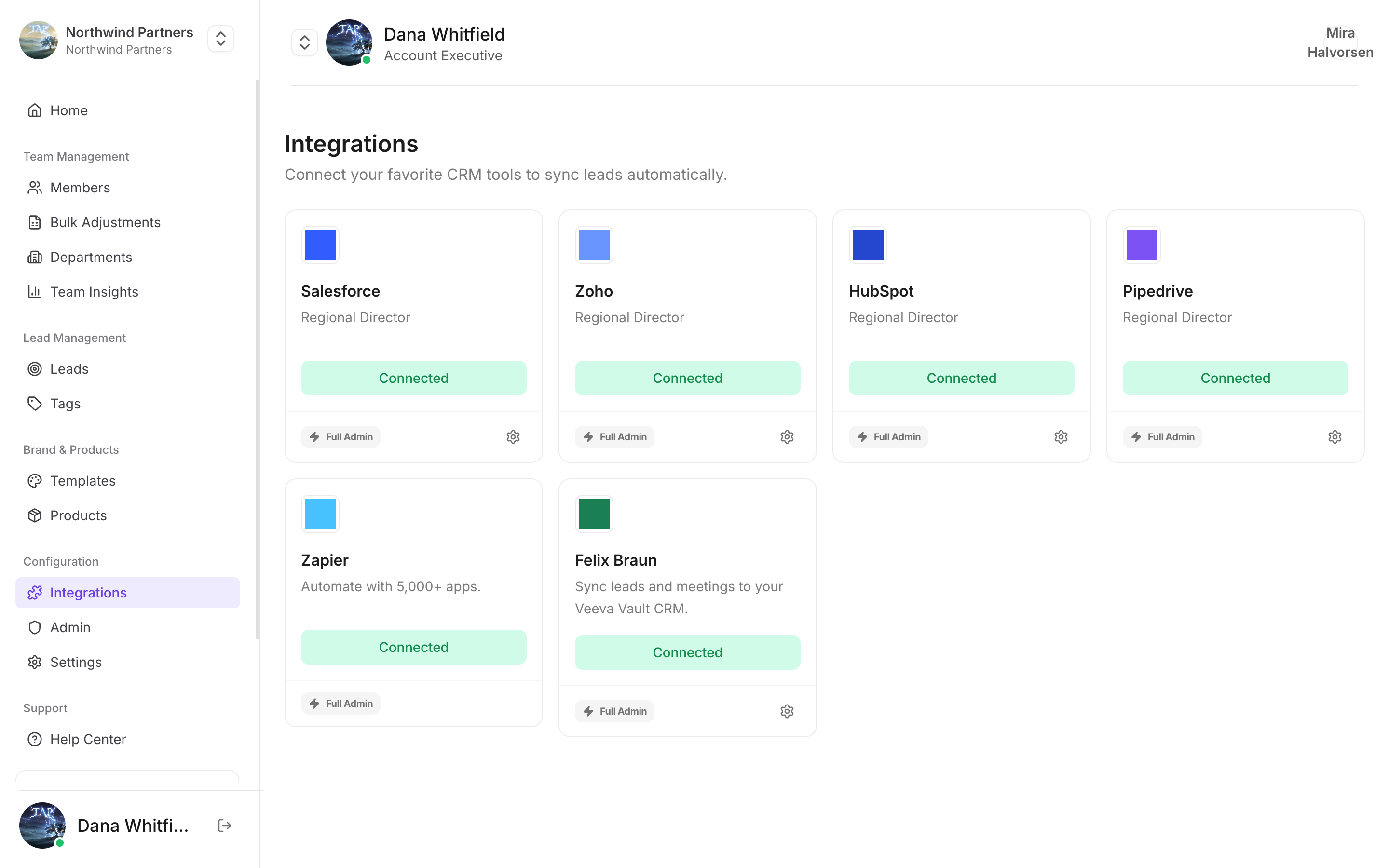
In Tap Teams, go to **Integrations → Pipedrive → Connect**.
Sign in to Pipedrive and approve access to persons, leads, and activities.
See [Field mapping](/en/integrations/field-mapping).
## Custom fields
Create the field in Pipedrive first: **Settings → Data fields → Person → Add custom field**. Then map it in Tap.
Pipedrive custom fields have internal keys rather than readable names. Tap shows you the readable label, so map by label and don't worry about the key.
## Notes specific to Pipedrive
A captured lead does **not** appear as a Deal in a pipeline stage. Open the Leads Inbox to find it. Reps who only ever look at the pipeline will conclude nothing synced.
A capture whose email already exists updates that Person. Captures without an email always create a new record.
Tap matches the capturing member's Tap email to a Pipedrive user's email.
Work through the troubleshooting guide.
This documentation is built and hosted on [Mintlify](https://mintlify.com), a developer documentation platform.