> ## Documentation Index
> Fetch the complete documentation index at: https://docs.gettap.co/llms.txt
> Use this file to discover all available pages before exploring further.
# Veeva Vault
> Sync captured leads and meeting summaries into Veeva Vault CRM.
Veeva Vault is the CRM most life-sciences teams run on. If your team works in pharma, biotech, or medical devices, this is the connector you want — the others in this list aren't built for that world's data model or its record keeping expectations.
## What syncs
| Tap | Veeva Vault |
| - | - |
| Captured lead | Contact record |
| Meeting summary and action items | Call or activity record |
| Capturing member | Record owner |
## Connect
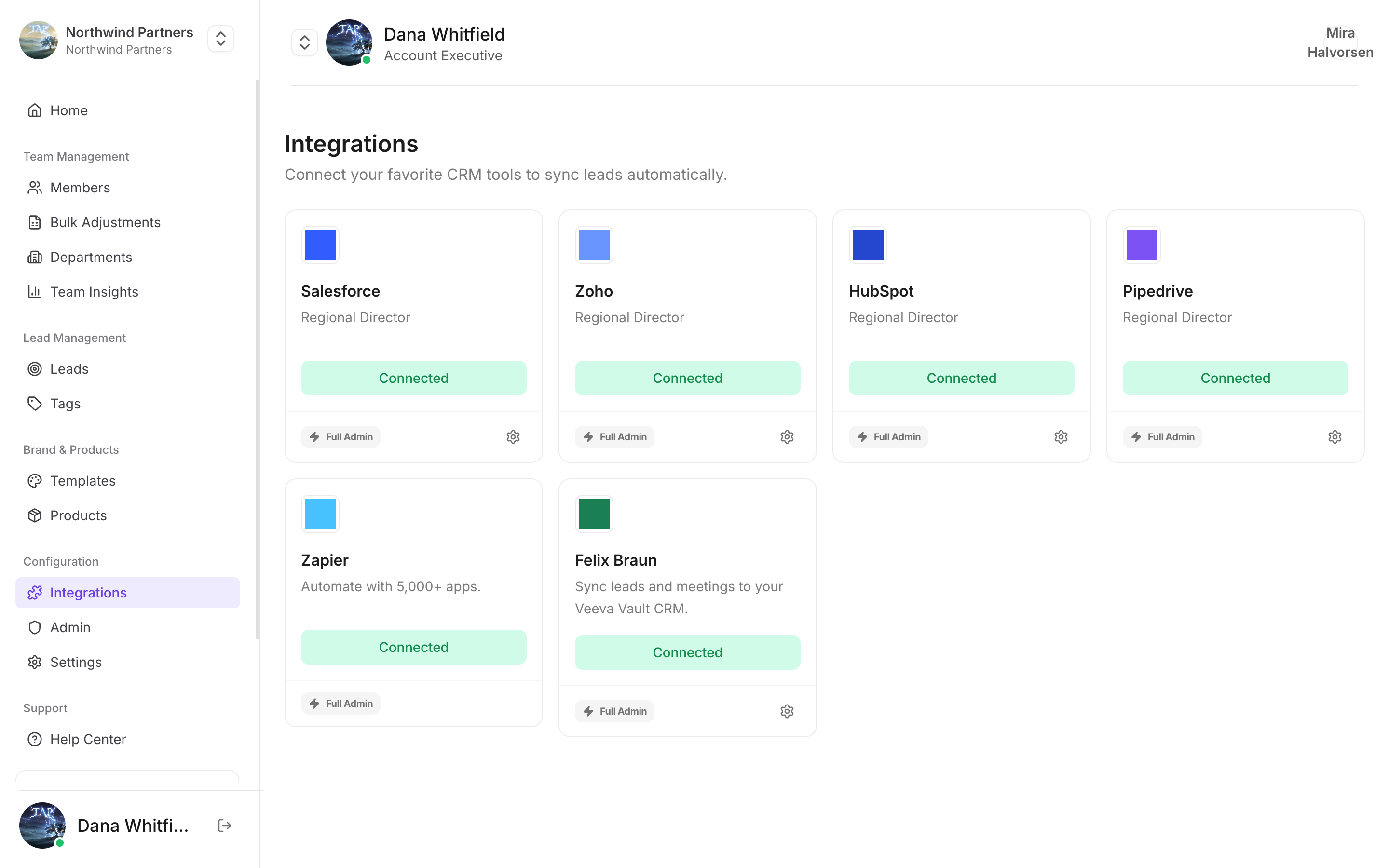
In Tap Teams, go to **Integrations → Veeva Vault → Connect**.
Sign in with a Vault account that can create and edit the record types above. A read-only account connects successfully and then fails on the first sync — a pattern worth checking for before an event rather than after.
Match your capture fields to Vault fields. See [Field mapping](/en/integrations/field-mapping).
Capture a test lead and confirm it lands on the right record type with the right owner.
## Notes specific to Veeva
Vault instances are heavily configured per organisation. Required fields, picklist values, and validation rules differ from company to company, and they're enforced on write — so a mapping that works in one Vault can be rejected by another. Test against your own instance rather than assuming.
If your Vault uses several record types for contacts or activities, confirm which one Tap is writing to before your first event. Records landing on an unexpected type are easy to miss and tedious to move.
Tap matches the capturing member's Tap email to a Vault user's email. No match means the default owner rather than a failed sync.
Life-sciences teams usually have rules about what may be recorded about an interaction and for how long. Tap syncing into Vault doesn't change those obligations — particularly around [meeting recordings](/en/leads/transcription) and consent.
Work through the troubleshooting guide.
This documentation is built and hosted on [Mintlify](https://mintlify.com), a developer documentation platform.