> ## Documentation Index
> Fetch the complete documentation index at: https://docs.gettap.co/llms.txt
> Use this file to discover all available pages before exploring further.
# Zoho CRM
> Sync captured leads and meeting summaries into Zoho CRM.
## What syncs
| Tap | Zoho CRM |
| - | - |
| Captured lead | **Lead** record |
| Meeting summary and action items | Task on the lead |
| Capturing member | Lead owner |
Tap creates Zoho **Leads**, not Contacts. Convert them to Contacts in Zoho through your normal qualification process.
## Connect
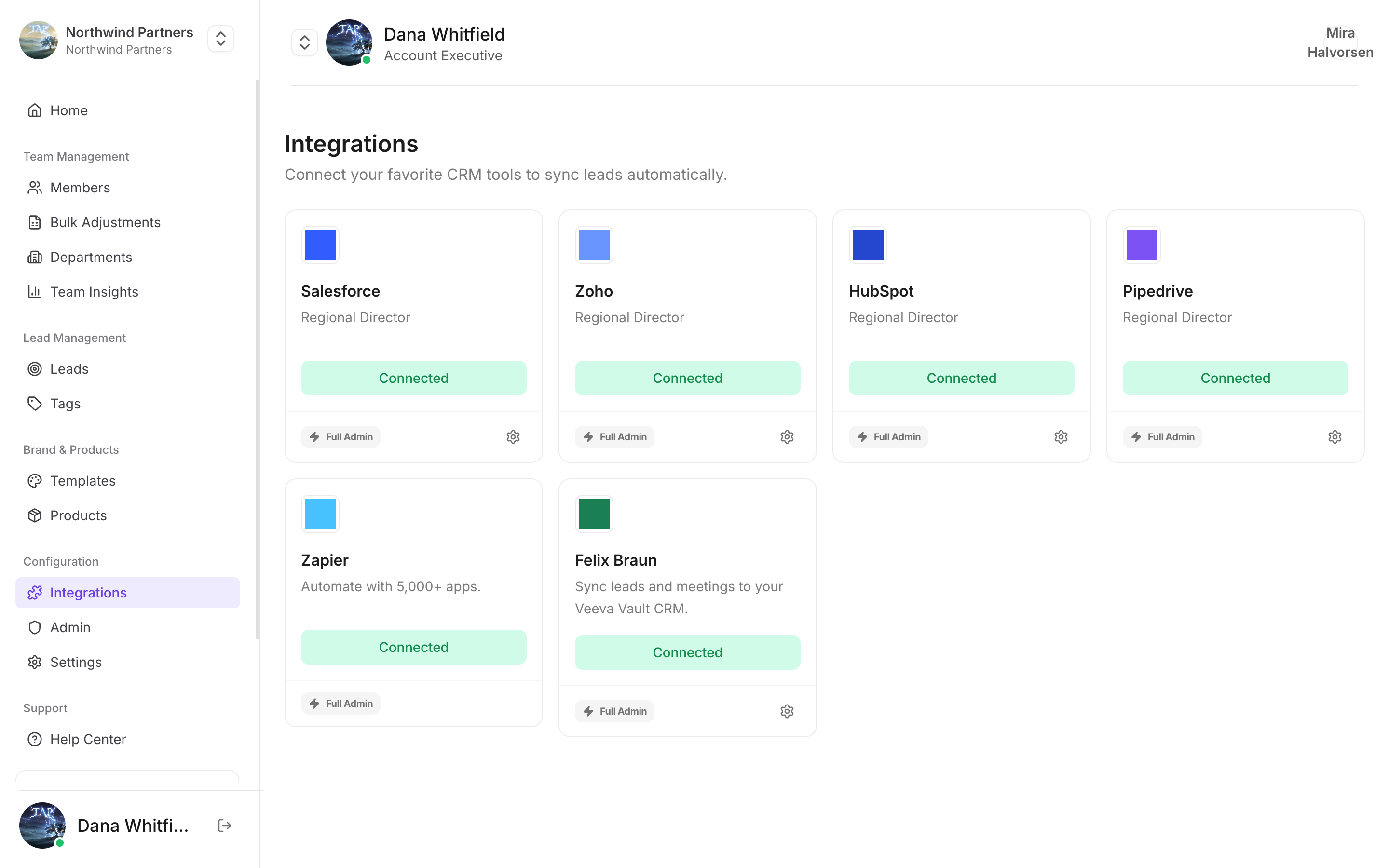
In Tap Teams, go to **Integrations → Zoho → Connect**.
Sign in to Zoho and approve. Use a user who can create Leads and Tasks.
See [Field mapping](/en/integrations/field-mapping).
**Data centre.** Tap connects to Zoho's `.com` (US) endpoints. If your Zoho account lives in another data centre — `.eu`, `.in`, `.com.au`, `.jp` — the connection may authorize and then fail to sync, because your records live in a region Tap isn't calling. Check which data centre your Zoho account is in before you set up, and contact [support](mailto:support@gettap.co) if it isn't the US one.
## Custom fields
Create the field in Zoho first: **Setup → Customization → Modules and Fields → Leads → Create New Field**. Then map it in Tap.
## Notes specific to Zoho
Zoho requires Last Name on every Lead. Tap fills it by splitting your `full-name` field. A lead captured with a single word as their whole name can be rejected — worth knowing if a batch of leads went missing.
Fields made mandatory through a Zoho layout are enforced on write. If nothing maps to a mandatory field, every sync fails.
Tap matches the capturing member's Tap email to a Zoho user's email.
Work through the troubleshooting guide.
This documentation is built and hosted on [Mintlify](https://mintlify.com), a developer documentation platform.