> ## Documentation Index
> Fetch the complete documentation index at: https://docs.gettap.co/llms.txt
> Use this file to discover all available pages before exploring further.
# Bulk adjustments
> Change a setting across many member profiles in one action.
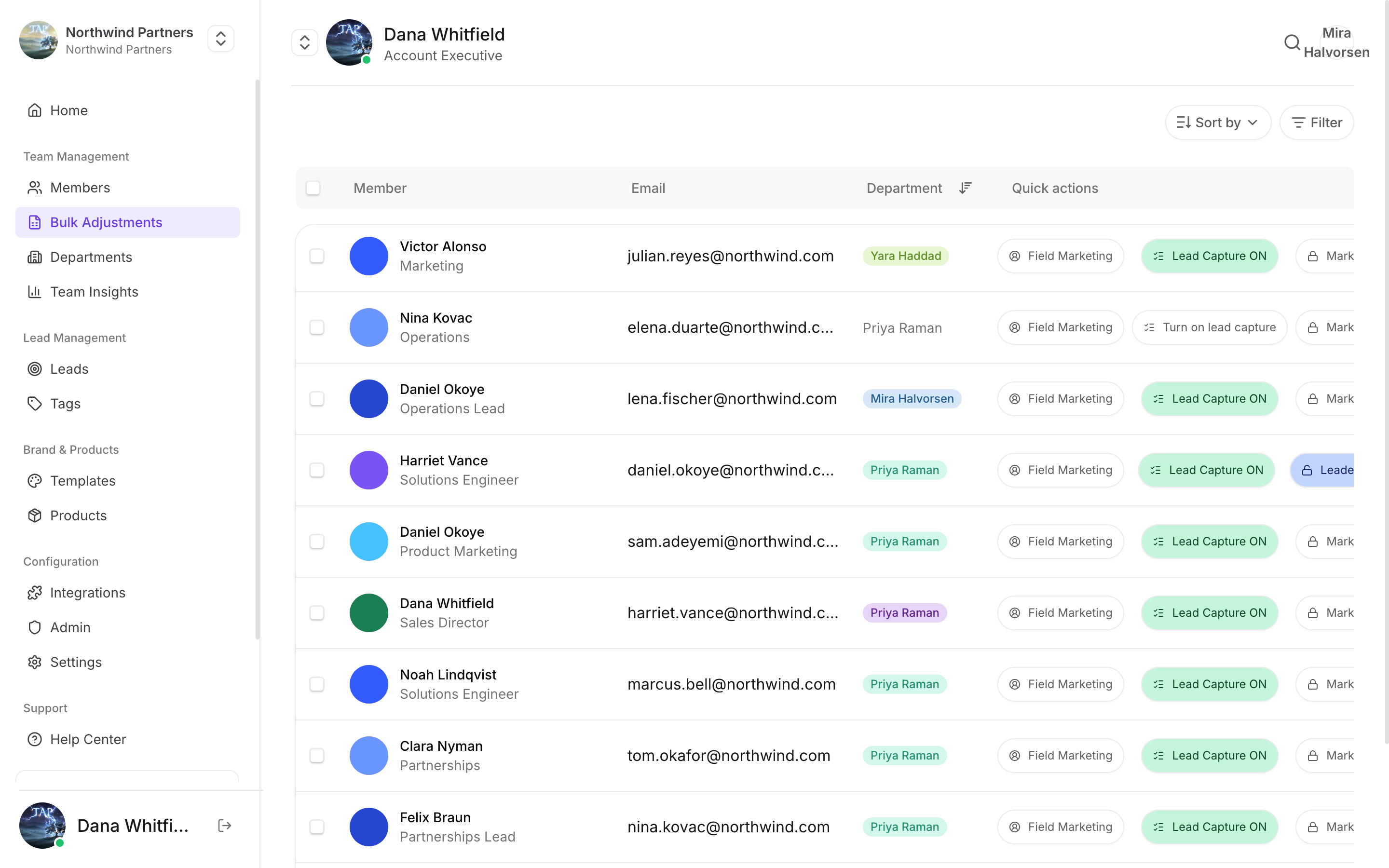
Bulk adjustments apply one change to many member profiles at once. It's the difference between updating 80 profiles individually and doing it in a single pass before an event.
## Finding the profiles
Go to **Bulk adjustments**. Search by member name to narrow the list, then select the profiles you want — individually, or select all.
The count of selected profiles stays visible as you work, so you always know how wide the change you're about to make is.
## What you can change
Lock or unlock profiles in bulk. A locked profile can't be edited by the member it belongs to.
Turn lead capture on or off across the selected profiles — useful when only part of the team is working an event.
Set the same photo across many profiles. Practical for event staff sharing a company profile rather than personal ones.
Move profiles between departments, which also moves the permissions and CRM connection that apply to them.
Changing department in bulk changes which CRM connection those profiles sync through, and which permissions apply to them. Before moving a large group, confirm the destination department has the CRM access they need — CRM access is deny-by-default, so moving people into a department with no grants silently stops their leads syncing.
## Working safely
Search first, then select all. "Select all" applies to what's currently listed — selecting all on an unfiltered list is how people accidentally change the whole company.
Read the selected count before confirming. If you meant to change a department of twelve and it says 140, stop.
For a change you haven't made before, apply it to two or three profiles, check the result, then do the rest.
Bulk changes are not undoable as a single action. Reversing one means selecting the same profiles and applying the opposite change, which is only possible if you can still identify exactly who was in the original selection.
## Typical uses
Enable lead capture across everyone attending, and confirm they're in a department with CRM access.
Turn lead capture off for temporary staff, or lock their profiles so nothing changes while the leads are being worked.
Move a group into a new department in one pass rather than editing each member.
Push a new shared photo across profiles that use one.
This documentation is built and hosted on [Mintlify](https://mintlify.com), a developer documentation platform.