
When to use Zapier instead of a direct integration
Use Zapier
Your CRM isn’t supported. You want leads in Slack, a spreadsheet, or an email tool as well as your CRM. You need branching logic or filters between capture and destination.
Use the direct integration
Your CRM is one of the five. It’s faster, needs no third-party subscription, handles owner assignment natively, and syncs meeting summaries as tasks — none of which you get for free through Zapier.
Setting up
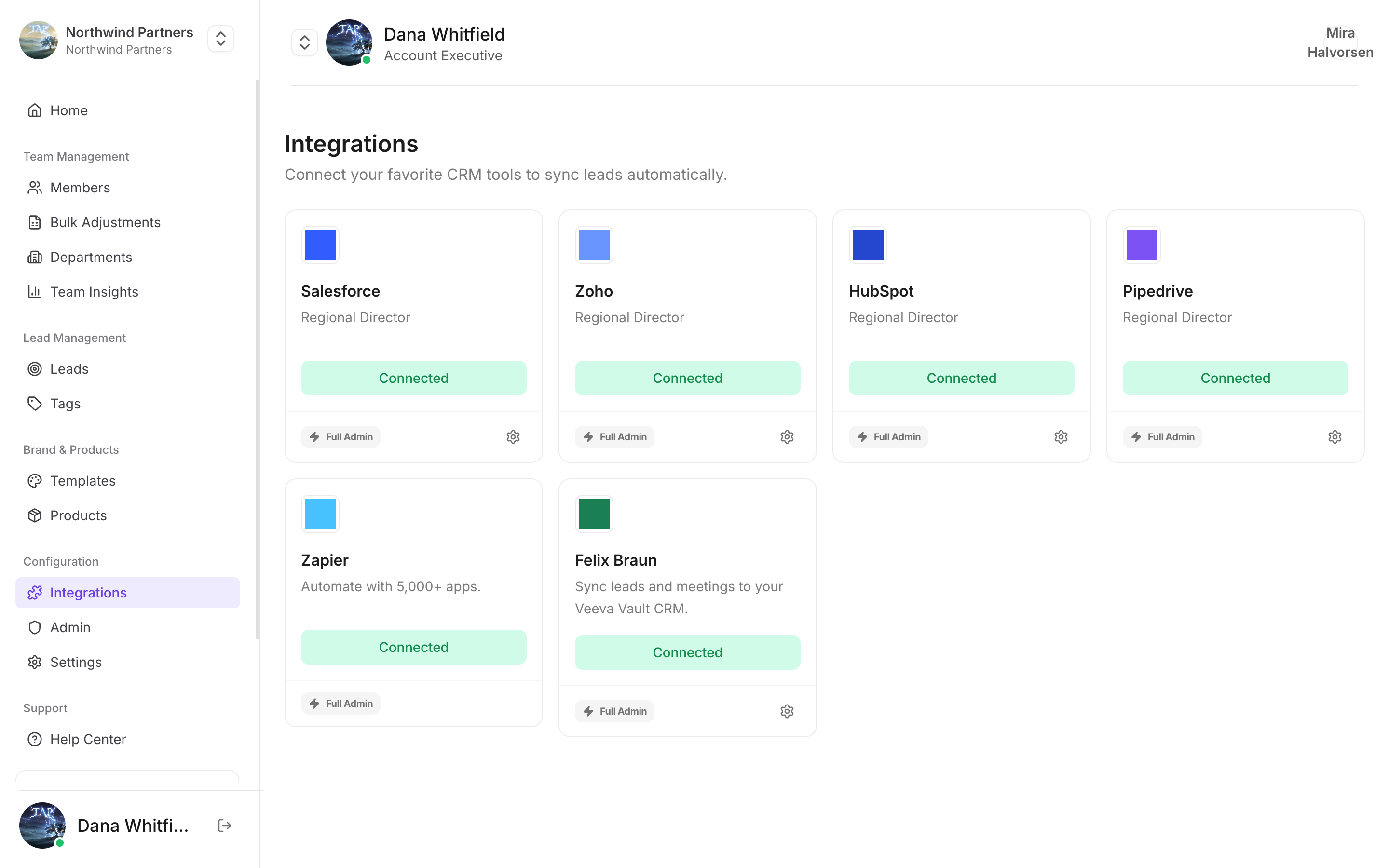
Find it under Integrations in Tap Teams
1
Get your Tap connection details
In Tap Teams, go to Integrations → Zapier.
2
Create a Zap with Tap as the trigger
In Zapier, create a new Zap and choose Tap as the trigger app. The trigger fires when a new lead is captured.
3
Connect your Tap account
Paste the connection details from step one when Zapier asks.
4
Choose your action
Pick the destination app and map Tap’s captured fields onto its fields.
5
Test before turning it on
Zapier’s test step pulls a real recent lead. Confirm every field lands where you expect before enabling the Zap.
What the trigger sends
Each captured lead carries the answers to your capture form, keyed by each field’sname — full-name, email, phone-mobile, and any custom fields you added. Alongside those you get the capturing member, the profile used, and the capture timestamp.
Common recipes
Post new leads to a Slack channel
Post new leads to a Slack channel
Trigger on a new lead, action to Slack “Send channel message”. Good for a live feed during an event — the team sees momentum, and managers spot a hot lead while the person is still in the room.
Append to a Google Sheet
Append to a Google Sheet
A running log for finance or ops who don’t have CRM access, and a cheap backup of everything captured.
Add to an email nurture sequence
Add to an email nurture sequence
Trigger on a new lead, action to your email tool. Add a Zapier filter step so only leads who gave an email address and consent continue — see GDPR mode.