
Where follow-ups come from
From a meeting
Analysis extracts commitments made during the conversation — “send the pricing sheet”, “introduce them to the technical team” — and turns them into follow-ups without anyone taking notes.
Added manually
Anything you decide afterwards, or anything from a conversation that wasn’t recorded.
Working follow-ups
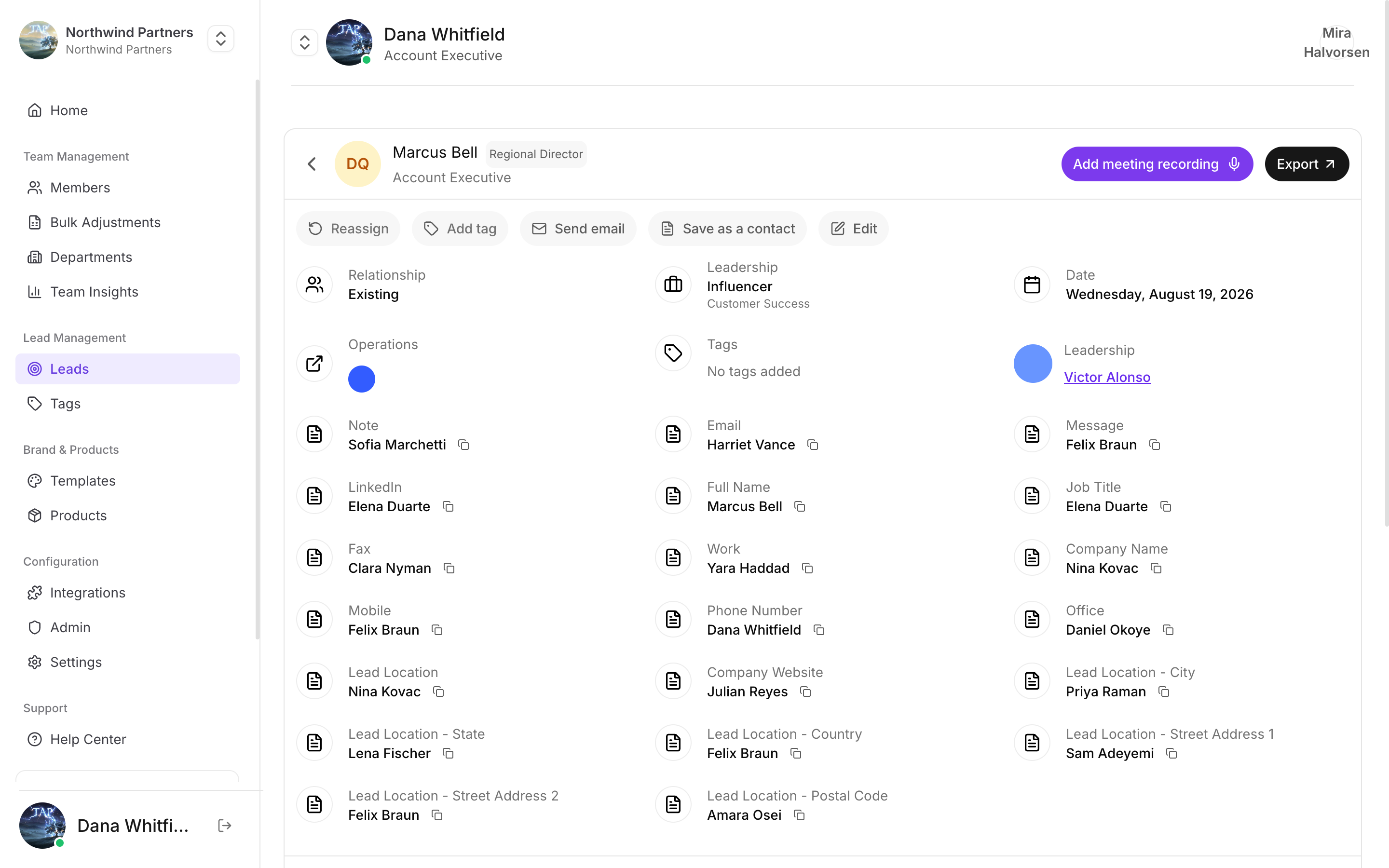
Follow-ups live on the lead, alongside everything else about them
Follow-ups and your CRM
Action items sync to your CRM as tasks on the lead’s record, so reps who live in the CRM see them without opening Tap.Completing a follow-up in Tap and completing the equivalent task in your CRM are separate actions. Pick one place as the system of record for your team and be consistent — otherwise the completion numbers in insights won’t reflect reality.
Why completion is worth tracking
The gap between “we had a great conversation” and “we did the thing we promised” is where most event pipeline dies. Follow-up completion makes that gap visible at the point where it can still be fixed.See it across the team
Action completion in insights.