
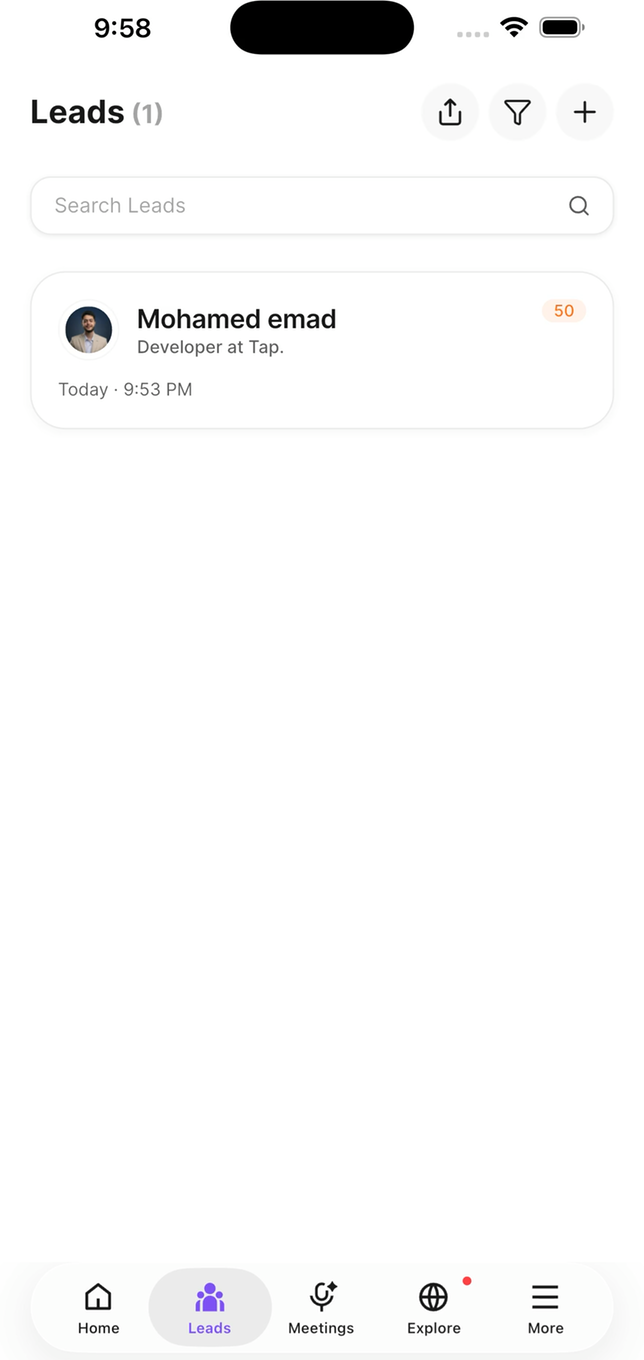
Each connection shows its quality score and when you met
How connections are created
- Someone fills in your capture form after a tap or scan.
- You scan a business card, QR code, or event badge.
- You add someone manually.
Qualifying a lead
Right after a lead is saved, the app offers two quick questions — the relationship you have with them, and their buying role. You can skip them and come back later. Every lead also carries a quality score marking it Hot, Warm, or Cold, calculated from what was captured.Organising them
Connection groups
File connections into groups — by event, by region, by campaign.
Tags
Label them for filtering later. See Tags.
Recording a meeting
Attach a recorded conversation to a connection and Tap transcribes it, then extracts a summary, key topics, buying signals, objections, your talk ratio, and action items. See Meetings.Following up
Action items become follow-ups. Mark them done as you complete them — that’s what feeds your team’s action completion.Saving to your phone
A connection can be saved into your phone’s own contacts, so they’re reachable from your dialler without opening Tap.This copies the contact. It doesn’t link the two — later edits in Tap won’t update your phone contact, and vice versa.
What your admins see
Admins see the whole team’s connections in Tap Teams, and connections sync to your company CRM where an integration is set up.Connections belong to the company, not to you personally. If you leave, the leads you captured stay with the team.