
Creating a department, then restricting what its members can change
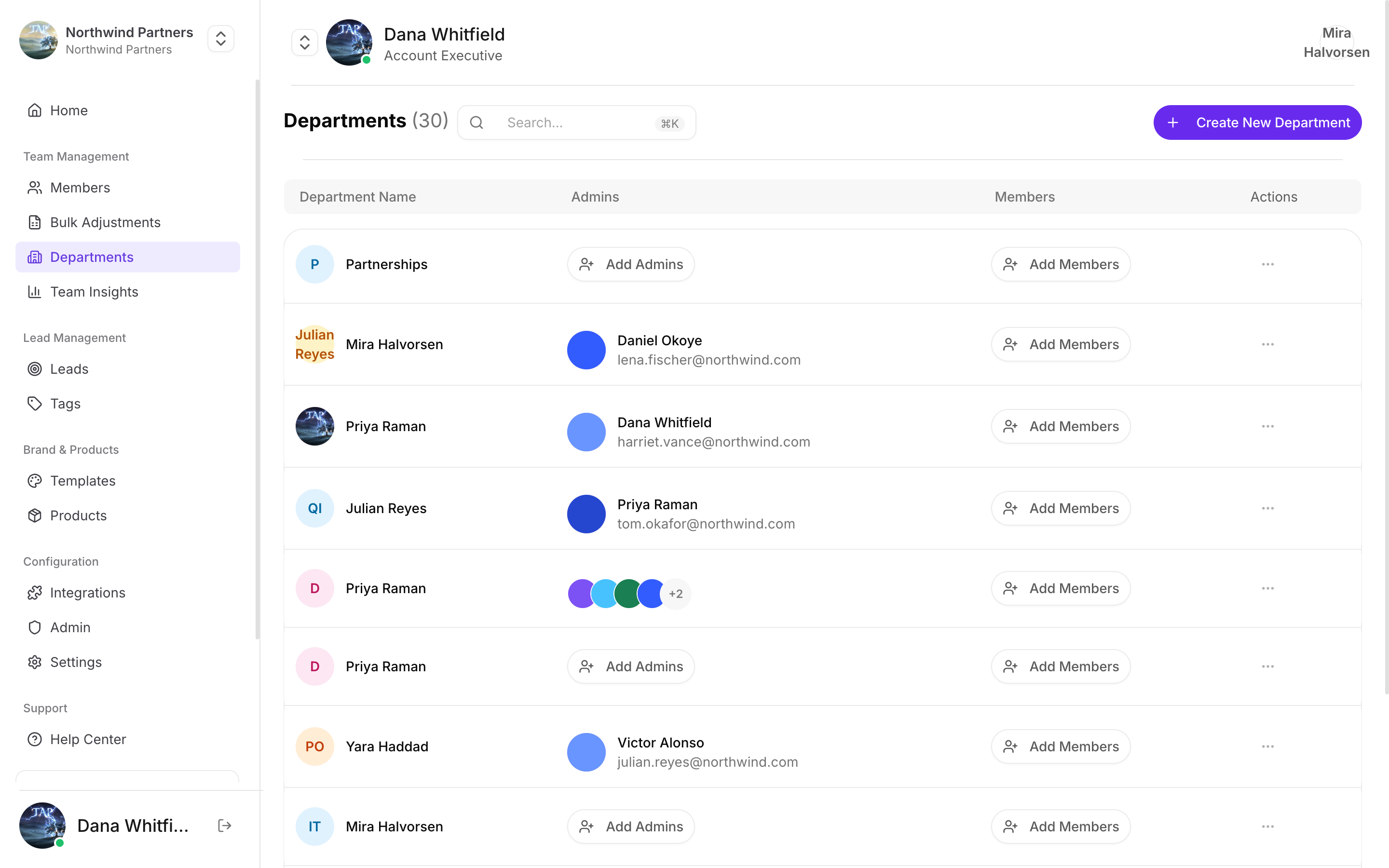
Each department lists who runs it and who's in it
Creating a department
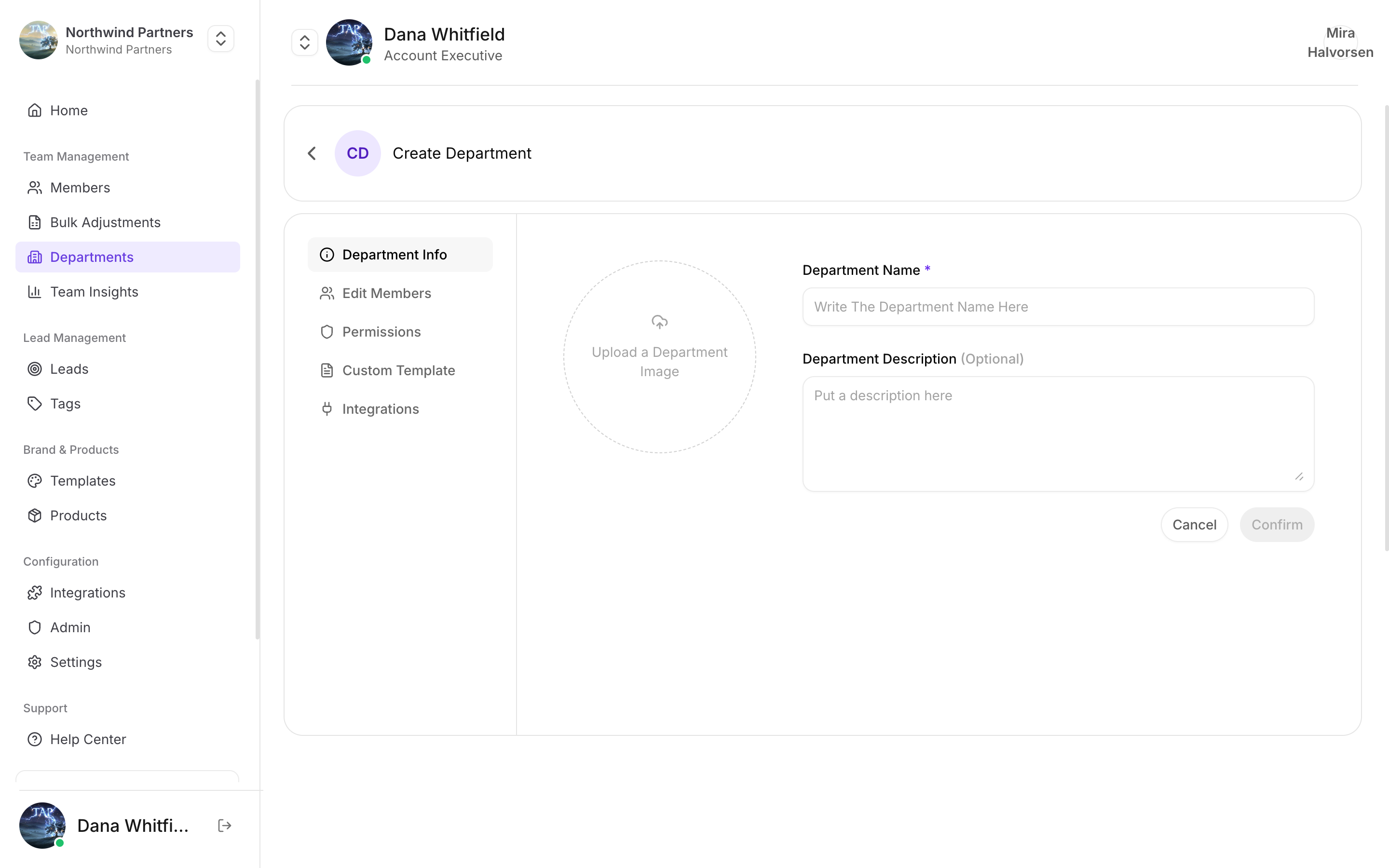
Creating a department
1
Open the form
Departments → Create.
2
Name it
Use the name your team already says out loud. Import files and reporting both match on this name, so renaming later means updating anything that referenced the old one.
3
Save, then set permissions
A new department starts with full access. Setting permissions is a separate, deliberate step — see Department permissions.
Assigning members
Set a member’s department when you create them, edit them, or import them. Each member belongs to one department at a time.Permissions follow the selected profile’s department, not the member record alone. A member whose profiles sit in different departments is governed by whichever profile is currently active — including which CRM connection their leads flow through.
What departments control
Full detail in Department permissions.
How to structure them
The useful question isn’t “what’s our org chart” — it’s “which groups need different permissions or different CRM destinations”. Those are the boundaries worth modelling.By function
By function
Sales, Marketing, Support. Works when different functions need genuinely different profile setups and CRM access.
By region
By region
EMEA, Americas, APAC. Useful when regions run separate CRM instances or have different data rules to follow.
By seniority or trust
By seniority or trust
Executives unrestricted, field reps locked down, temporary event staff fully locked. Often the most practical split, because it maps directly onto how much freedom each group should have.