
The company-wide product view, and what the unassigned count is telling you
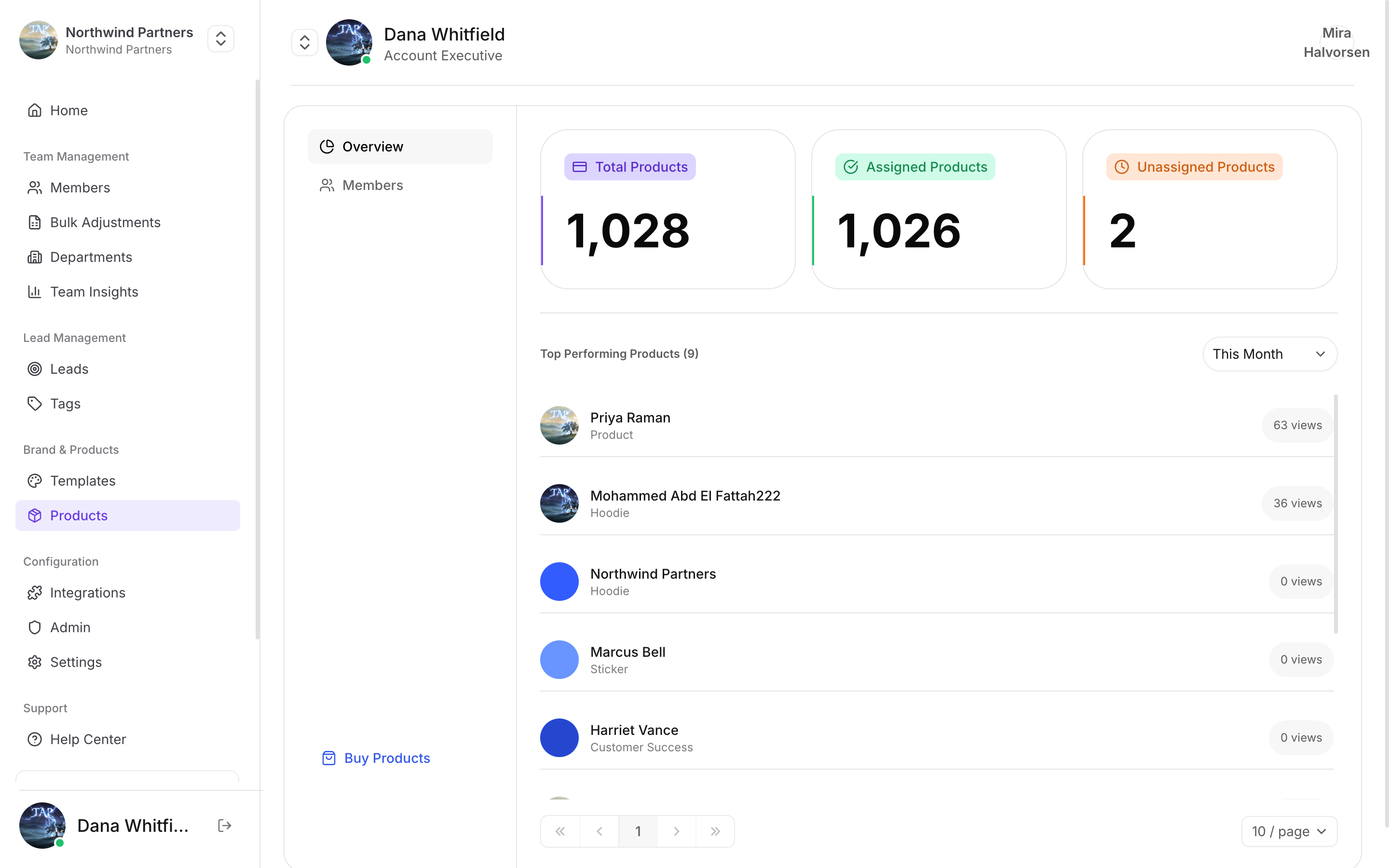
How many you own, how many are assigned, and how many are still in a drawer
The overview
Top performing products
Products are ranked by views, so you can see which formats your team actually uses. This is more useful than it sounds when deciding what to reorder — a keychain that outperforms business cards three to one is telling you something about how your team meets people.Tabs
Overview
Counts and top performers.
Members
Which products each member holds.
Buy Products
Order more for the team.
Product range and prices live under Products → Buy Products in Tap Teams, where they stay current.
Before an event
1
Check the unassigned count
Anything unassigned is a product nobody can use. Get it linked, or get it to someone who’ll use it.
2
Confirm new members have a product
The Members tab shows who holds what. Someone with no product can still share by QR, but they’ve lost the fastest method.
3
Order in time
Physical products have to ship. Ordering the week before a conference is ordering for the conference after it.